


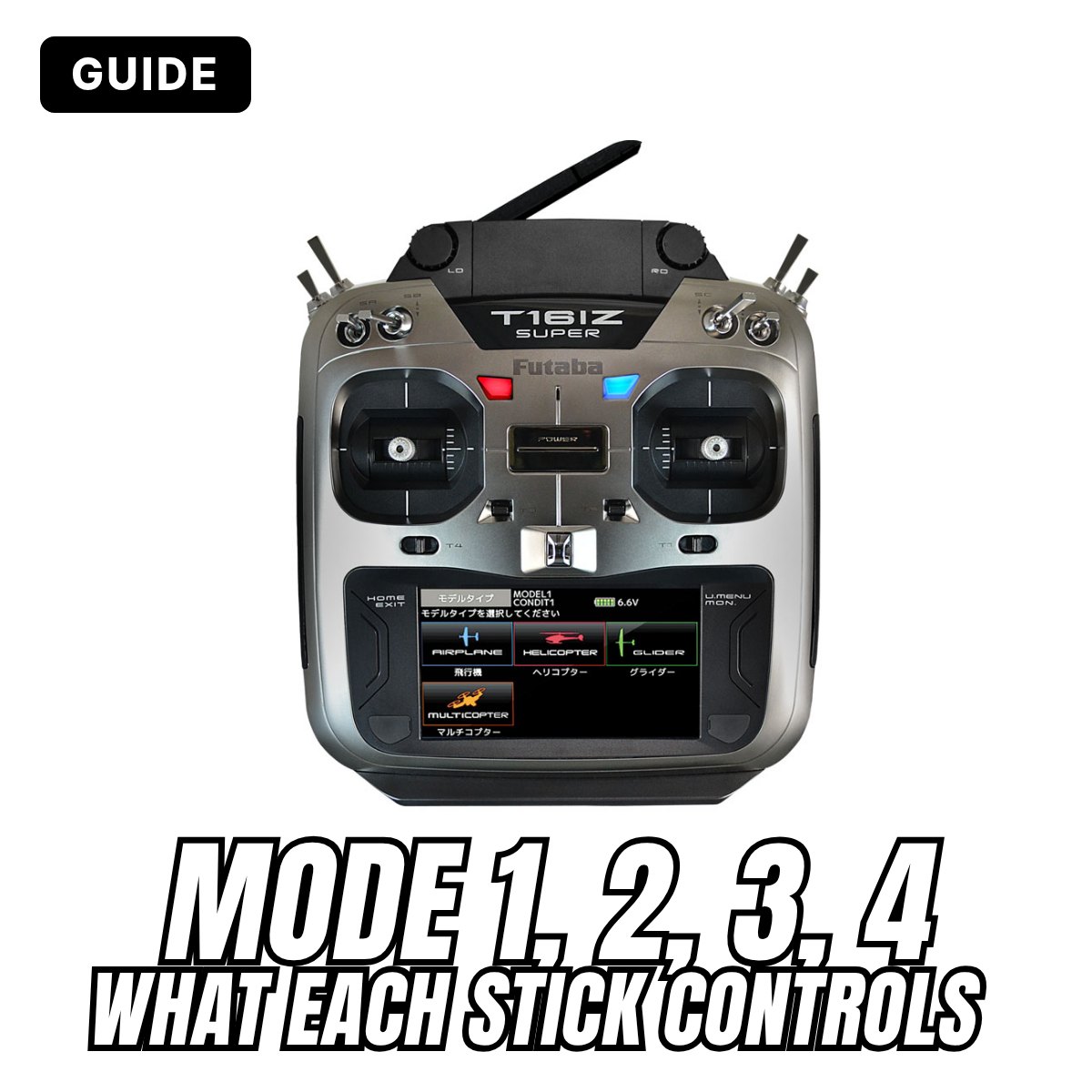
You're about to buy your first transmitter and the product page says "Mode 1", "Mode 2" or "Mode 2-4". It isn't a more or less powerful version and it has nothing to do with the quality of the radio: the Mode only tells you which stick controls what. It's a choice you make once, at the start, and then keep forever: that's why it's worth understanding it properly before you learn to fly. In this guide we go through the four Modes one by one, how to recognise them and which one to choose if you're starting from scratch.
In short
- The Mode is the layout of the controls on the two sticks. There are four Modes; the most used are Mode 2 and Mode 1.
- The difference that matters is which side the throttle is on: on the right in Modes 1 and 3, on the left in Modes 2 and 4.
- There is no best Mode: choose the one used by whoever teaches you, or by the flying field you'll go to.
- If you're learning on your own or come from drones, Mode 2 is the simplest choice: it's the most common.
- Once you've learnt a Mode, changing it is hard: your hands move by themselves. Choose and don't change again.
What the Modes are
A transmitter for planes, helicopters and drones has two levers, the sticks, one for each hand. Each stick moves in two directions: forward and back, right and left. That makes four movements in all, and four movements are what you need for the four main controls of a model.
The catch is that there isn't just one way to pair the four controls with the two sticks. Over the years four layouts have become established, numbered 1 to 4: these are the Modes. The radio is the same, only what each hand does changes.
The Mode changes nothing in the model: plane, receiver and servos are identical. It only changes how you give the commands.
First, the four controls
To understand the Modes you need to know the four controls. You'll find them with these names on every radio:

- Throttle (also called gas): gives more or less power. It's the only stick that doesn't spring back to centre: it stays where you leave it, so the motor holds the power you've set.
- Elevator: raises or lowers the nose. Pull the stick towards you and the model climbs, push it forward and it descends.
- Ailerons: tilt the wings to the right or to the left. They are the control you use most to turn.
- Rudder: swings the nose to the right or to the left. On the ground it steers the model during take-off and taxiing.
Throttle and elevator are worked by moving the stick forward and back; ailerons and rudder by moving it right and left. So each stick carries one "forward-back" control and one "right-left" control: the Mode decides which ones.
The four Modes, one by one

Mode 1: throttle on the right
The right stick controls throttle and ailerons, the left stick elevator and rudder. The two controls you use most in flight, elevator and ailerons, are on two different hands: Mode 1 pilots say this makes it easier not to mix them by mistake. It's the traditional Mode in Japan, Australia and several Asian countries, and it's widely used in Europe too: in Italy you'll often find it among modellers who have been flying for many years.
Mode 2: throttle on the left, the most common
The left stick controls throttle and rudder, the right stick elevator and ailerons. The right hand alone does what the control stick of a real aeroplane does: nose up and down, wings right and left. It's the most common Mode in the world, the one used by almost all drones and by most of the videos and guides you'll find online.
Mode 3: Mode 2 mirrored
The left stick controls elevator and ailerons, the right stick throttle and rudder. It's Mode 2 with the two hands swapped: it's chosen by those who find it more natural to fly with the left hand. It's rare.
Mode 4: Mode 1 mirrored
The left stick controls throttle and ailerons, the right stick elevator and rudder. It's Mode 1 with the hands swapped, and it's the least used of the four.
| Mode | Left stick, forward-back | Left stick, right-left | Right stick, forward-back | Right stick, right-left |
|---|---|---|---|---|
| Mode 1 | Elevator | Rudder | Throttle | Ailerons |
| Mode 2 | Throttle | Rudder | Elevator | Ailerons |
| Mode 3 | Elevator | Ailerons | Throttle | Rudder |
| Mode 4 | Throttle | Ailerons | Elevator | Rudder |
Mode 1-3 and Mode 2-4: the difference that matters
Looking at the table you can see that the four Modes split into two pairs:
- Mode 1 and Mode 3: the throttle is on the right stick;
- Mode 2 and Mode 4: the throttle is on the left stick.
This is the only mechanical difference. The throttle stick is built differently from the others: it has no spring to bring it back to centre and it has a brake or a ratchet that holds it where you leave it. So a radio is made with the throttle either on the right or on the left.
Within the same pair, on the other hand, the difference is only in the software: to go from Mode 1 to Mode 3, or from Mode 2 to Mode 4, you just change one setting in the radio's menu, because only ailerons and rudder are swapped.
That's why many radios and many ready-to-fly models are sold as "Mode 1-3" or "Mode 2-4" (also written 1/3 and 2/4): it means "throttle on the right" or "throttle on the left". If you've chosen Mode 2 you need the 2-4 version, if you've chosen Mode 1 the 1-3 version.
Which Mode to choose if you're starting now
There is no best Mode: you can fly well with all four, and there are champions who fly Mode 1 and champions who fly Mode 2. These are the things that count, in order of importance:
- Who is teaching you. If you have an instructor, an experienced friend or a club, use their Mode. They'll be able to pick up your radio, test the model, set it up and correct you while you fly. It's the most important piece of advice in this guide.
- Where you come from. If you've already flown a drone, you almost certainly did it in Mode 2: stay there. Your hands have already learnt.
- If you're starting from scratch and on your own, choose Mode 2: it's the most common, you'll find more people who can help you, more second-hand radios and more material to learn from.
- If you're left-handed you don't have to choose a "mirrored" Mode: the two sticks always work together and a great many left-handers fly Mode 1 or Mode 2. Try with a simulator before deciding.
Why you don't change afterwards. Flying soon becomes a reflex: you don't think "right stick back", you just do it. Anyone who tries to fly a Mode different from their own gives the wrong command at the first surprise. That's why you choose the Mode calmly at the start and then keep it, on every radio and every model.
A good way to start is a flight simulator: you use a real radio connected to the computer, set to the Mode you've chosen, and make as many mistakes as you like without breaking anything.
How to tell which Mode a radio is in
You pick up a second-hand radio, or a friend's, and you don't know which Mode it's in. You can tell in a few seconds, with the radio switched off:
- Move both sticks forward and back and let go. The one that doesn't return to centre is the throttle stick.
- If it's the right one, the radio is Mode 1 (or 3). If it's the left one, it's Mode 2 (or 4).
- To tell the two in the pair apart, switch the radio on and look for Stick mode (or simply Mode) in the menu, or power up the model too and see what moves.
Before every flight, with any radio, the same rule always applies: move the sticks one at a time and check that the right control moves on the model, in the right direction.
Can you change the Mode of a radio?
Almost always, yes. It depends on which change you need:
- Within the same pair (1 to 3, 2 to 4): it's done from the menu, in a minute. Nothing inside the radio is touched.
- From one pair to the other (for example Mode 1 to Mode 2): the throttle has to be moved from one stick to the other. Two things are needed: you move the return spring and the brake (or ratchet) from one stick to the other, and then you change the Mode in the menu.
On many recent radios this is done with a few screws reached from the back, without opening the radio; on others the case has to be opened. Exactly how it's done is described in each model's manual: follow it step by step. Some budget radios and some ready-to-fly models can't be converted: that's why, when you buy, you should always check that the Mode is the right one.
After changing Mode, check all the models already stored in the radio: move the sticks and see that throttle, elevator, ailerons and rudder respond as you expect. Do it with the propeller removed or with the model held firmly.
Helicopters and drones
The Modes apply to helicopters and drones as well: the controls have slightly different names, but they sit on the same sticks.
| Plane | Helicopter | Drone |
|---|---|---|
| Throttle | Collective pitch and throttle: up and down | Throttle: up and down |
| Elevator | Fore-aft cyclic | Forward and back |
| Ailerons | Left-right cyclic | Sideways to the right and to the left |
| Rudder | Tail: turns right and left | Rotation on the spot |
Ready-to-fly drones almost all come in Mode 2: left stick to climb, descend and rotate, right stick to move around. Many let you change Mode from the app. On drones with automatic altitude hold the throttle stick springs back to centre too, because at centre the drone hovers in place: that's normal.
On gliders without a motor the throttle stick isn't left unused: it usually works the airbrakes or the flaps for landing.
Cars and boats
Cars and boats don't need Modes. Pistol-grip transmitters have a wheel for steering and a trigger for throttle and brake: there's only one layout. Only those who use a stick radio for cars or boats as well have to decide which stick gets steering and which gets throttle, but that's just two controls and nobody talks about Mode 1, 2, 3 or 4.
Mistakes to avoid
- Buying without checking the Mode. Radios and ready-to-fly models are often sold in two versions, 1-3 and 2-4: check before ordering, especially when buying second-hand.
- Choosing the Mode on your own when you have an instructor. Ask them first: learning with the same Mode is much easier.
- Flying someone else's radio without asking. If it's in a different Mode from yours, the first instinctive command sends the model where you don't want it.
- Changing Mode after you've learnt. It can be done, but you have to start almost from the beginning, and in difficult moments the old reflex comes back.
- Practising on the simulator in one Mode and flying in another. Set the simulator up like the radio you'll use at the field.
Frequently asked questions
Is Mode 2 easier than Mode 1?
No. Beginners learn just the same with one or the other. Mode 2 is simply more common, which helps you find someone to give you a hand.
Does the Mode change anything in the receiver or the model?
No. The receiver, the servos and the connections stay the same. The Mode only concerns the sticks of the radio.
Is the Mode the same thing as the channel order?
No. The channel order (abbreviations such as AETR or TAER) says which receiver output each servo is plugged into. The Mode says which stick moves that control. They are two different settings, and changing the Mode doesn't change the connections on the receiver.
With a trainer cable, do the two radios need the same Mode?
With many of today's radios it isn't compulsory, but it's much more convenient: the instructor can test your model with your radio and you see their hands making the same movements you will make.
I bought the radio in the wrong Mode: do I have to replace it?
Usually not: almost all stick radios can be converted, as explained above. If you don't feel like doing it yourself, ask us for advice.
Are Mode and "flight modes" the same thing?
No. Flight modes are the settings the radio or the drone switches between in flight, for example take-off, cruise and landing. They have nothing to do with the stick layout.
If you're looking for your first radio you'll find all our transmitters for planes, helicopters and drones: the Mode is shown in the name or on the product page. To find out which receivers you can use, see the guides to Futaba protocols and FrSky protocols.
The numbering of the Modes is the same for every brand. Menu names and the way the stick spring is moved change from radio to radio: if in doubt, your radio's manual is what counts.
Not sure which Mode to get, or want to change the one on your radio? Come and see us at our shops in Passo Corese and Mogliano Veneto or write to us: we'll help you choose.
 See all our transmitters