Electronics

  1. Car ESCs: how to choose the right speed controller and set it up

    Car ESCs: how to choose and set up the speed controller
    Brushed or brushless, sensored or sensorless, amps and cells for every scale, BEC, drag brake, punch, reverse and timing: how to choose and set up an RC car's ESC, with the ESCs our customers choose most.
    Read more »
  2. Plane ESCs: how to choose amps and BEC, set it up and install it

    Plane ESCs: how to choose amps and BEC
    How many amps you need, what BEC, SBEC and OPTO mean, how to set brake and cutoff, how to calibrate the throttle and how to install an ESC in a model plane, with the ESCs our customers choose most.
    Read more »
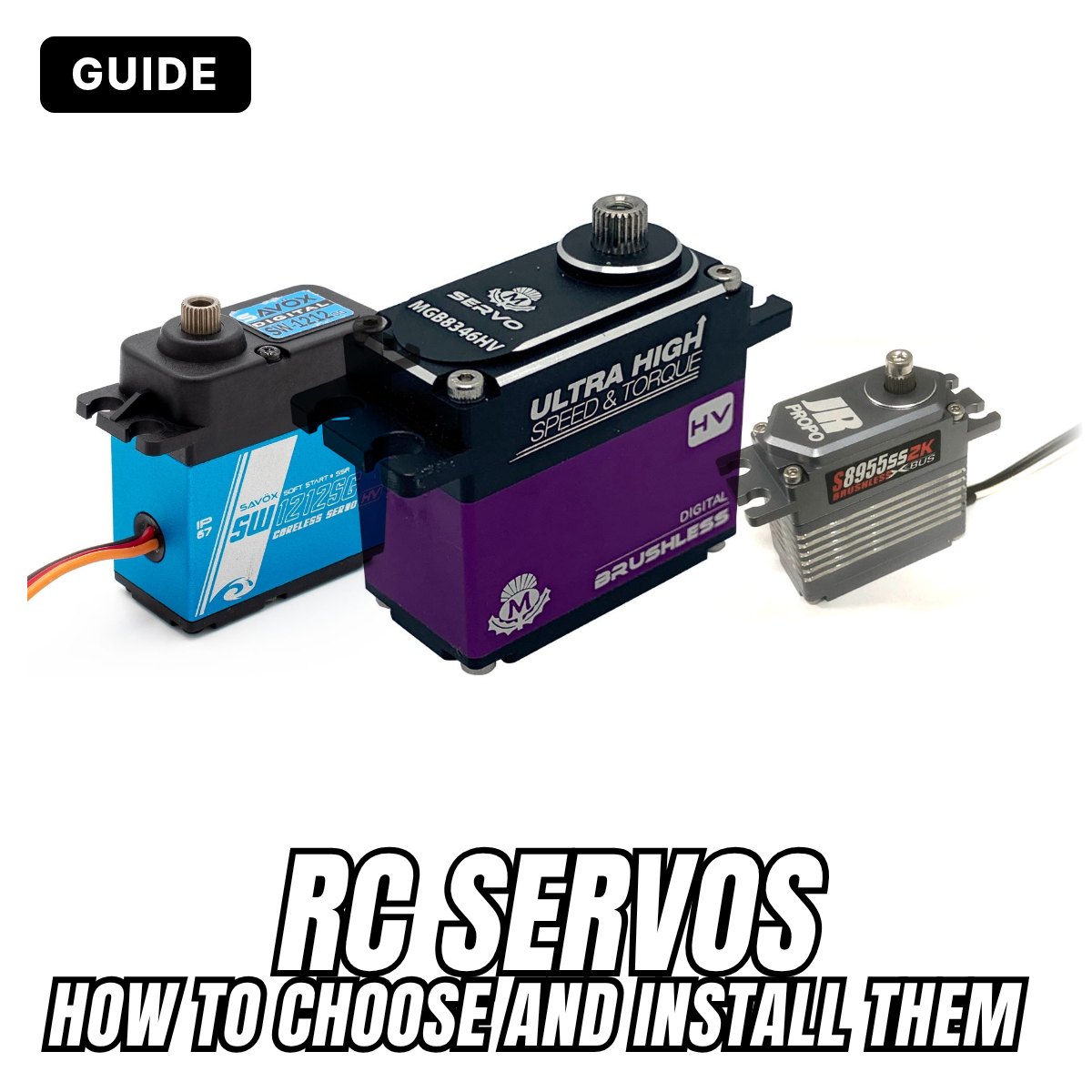
  3. RC servos: how to choose the right servo and install it properly

    RC servos: how to choose the right servo
    Torque, speed, HV, digital, coreless, brushless, MG: what the numbers and abbreviations on a servo's product page mean, which servo cars, planes, helicopters and gliders need, and how to install it so it works well and lasts.
    Read more »
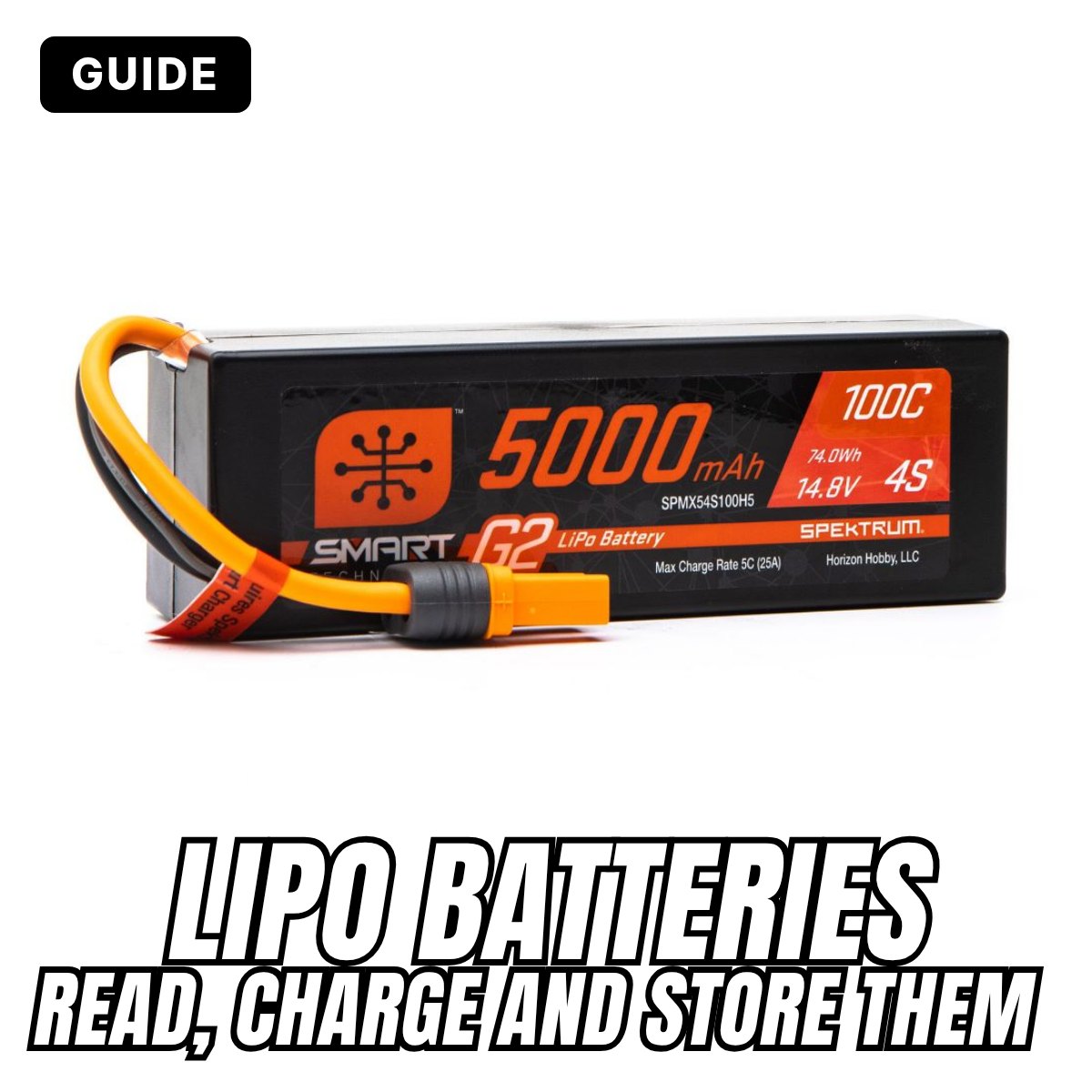
  4. LiPo batteries for RC models: how to read, charge and store them safely

    LiPo batteries for RC models: how to read, charge and store them
    Reading the label, charging without risks, not running them too flat, putting them to storage when you don't use them and knowing when they're worn out: everything you need to know about LiPo batteries for cars, planes, helicopters and drones.
    Read more »
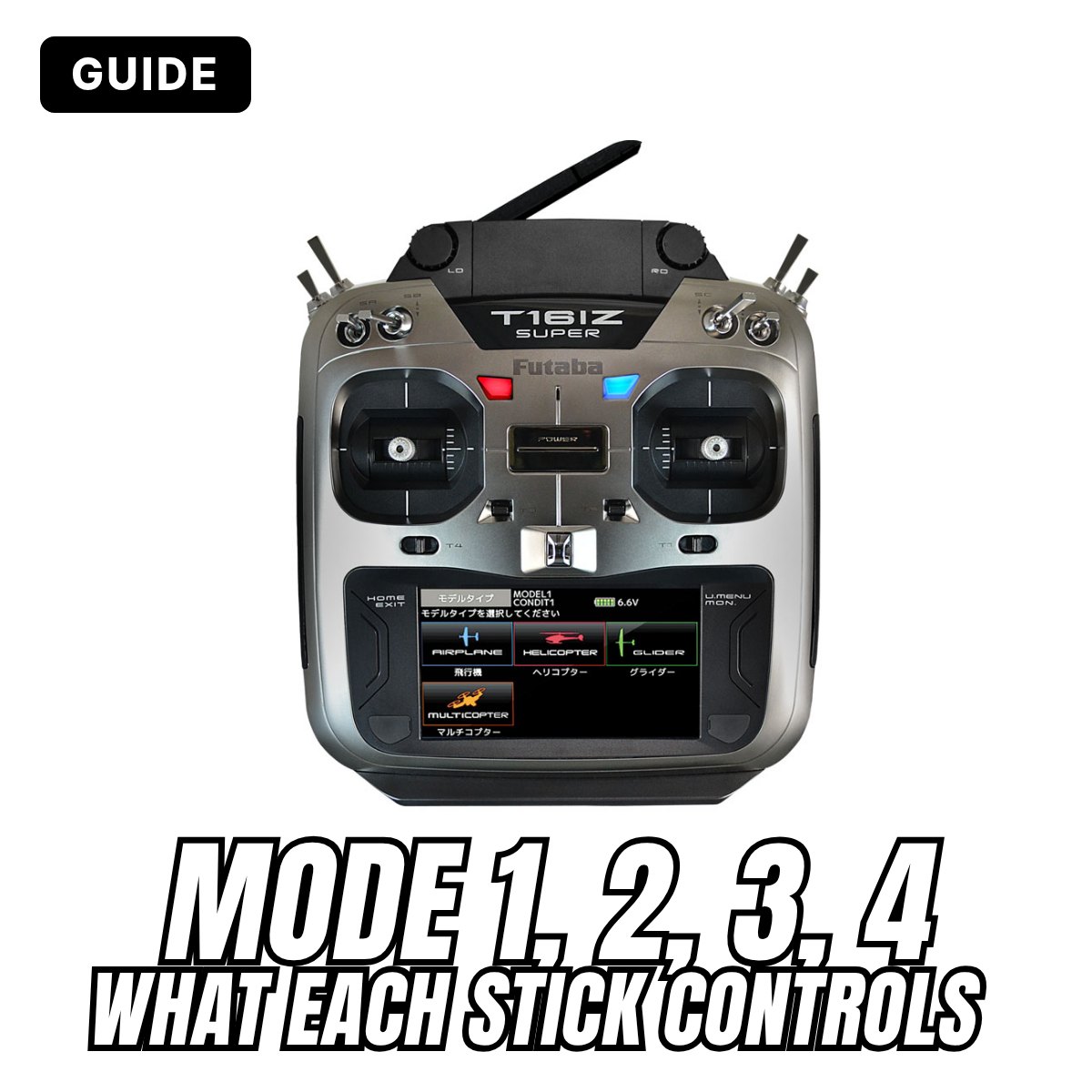
  5. Transmitter Mode 1, 2, 3 and 4: what they mean and which one to choose

    Transmitter Mode 1, 2, 3 and 4: what each stick controls
    Mode 1, Mode 2, Mode 2-4: you always find it on transmitter product pages, but what does it mean? The Mode tells you which stick controls throttle, elevator, ailerons and rudder. Here are the four Modes explained for beginners, and how to choose the right one.
    Read more »
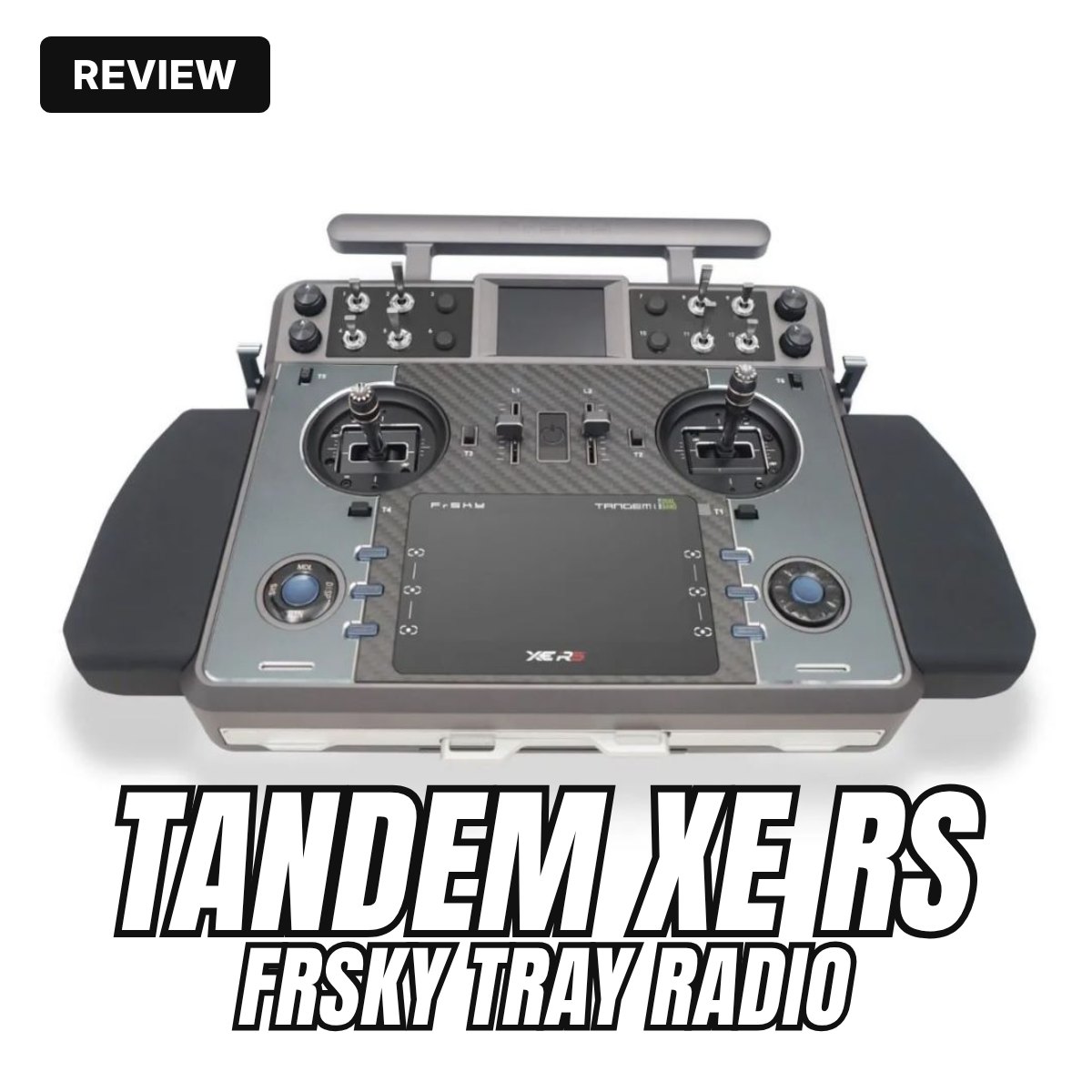
  6. FrSky Tandem XE RS: review of the tray radio

    Review of the FrSky Tandem XE RS tray radio
    FrSky's new tray radio: MC30R-XE gimbals that adjust from the front, dual band 2.4 GHz and 868 MHz with the new TW mode, two colour screens. What changes from the Tandem XE and which receivers to use.
    Read more »
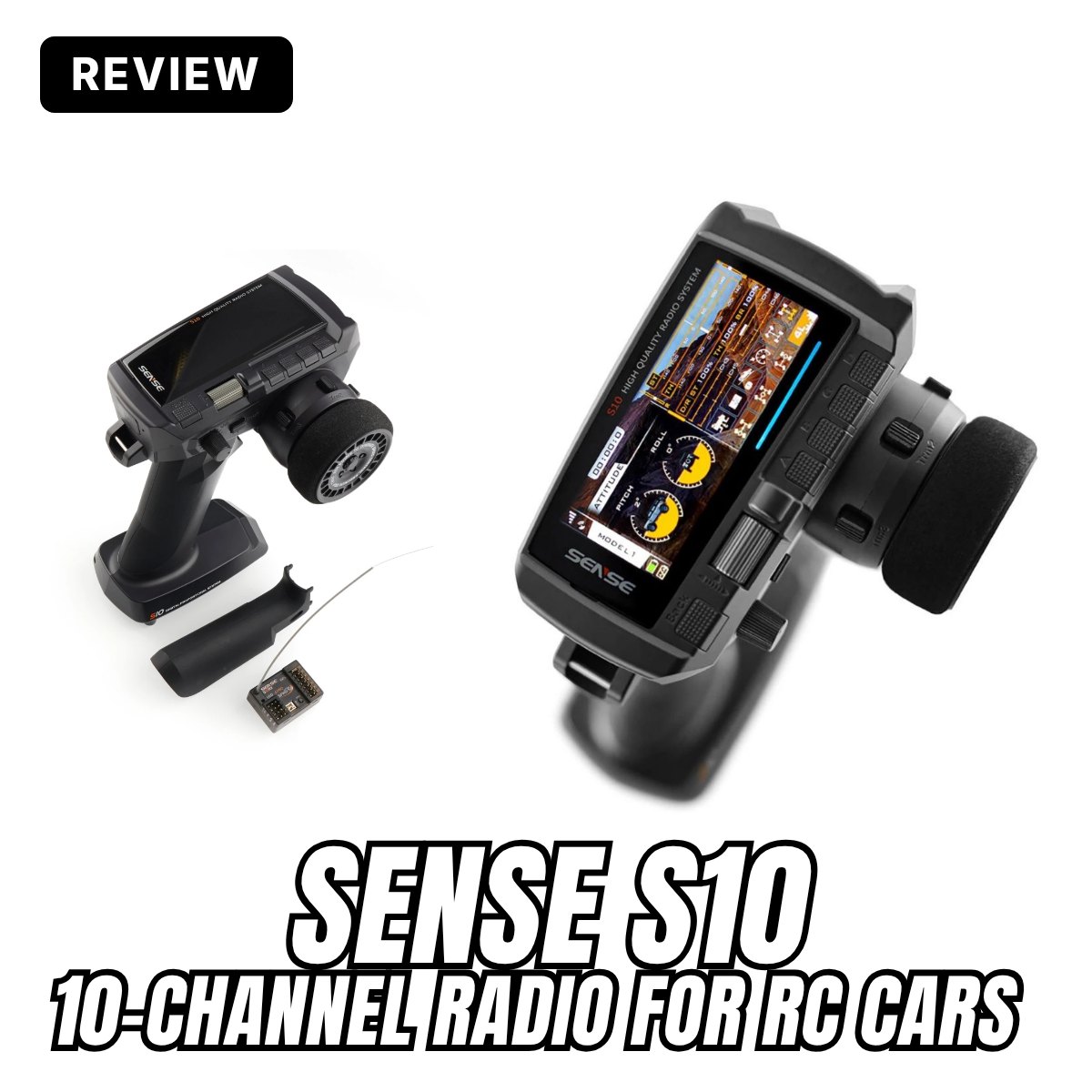
  7. Sense S10: review of the 10-channel car radio

    Sense S10 radio review
    Colour display, gyro in the receiver, telemetry and Wi-Fi updates: what the new Sense S10 radio offers for crawlers, cars and boats, who it is for and what to know before choosing it.
    Read more »
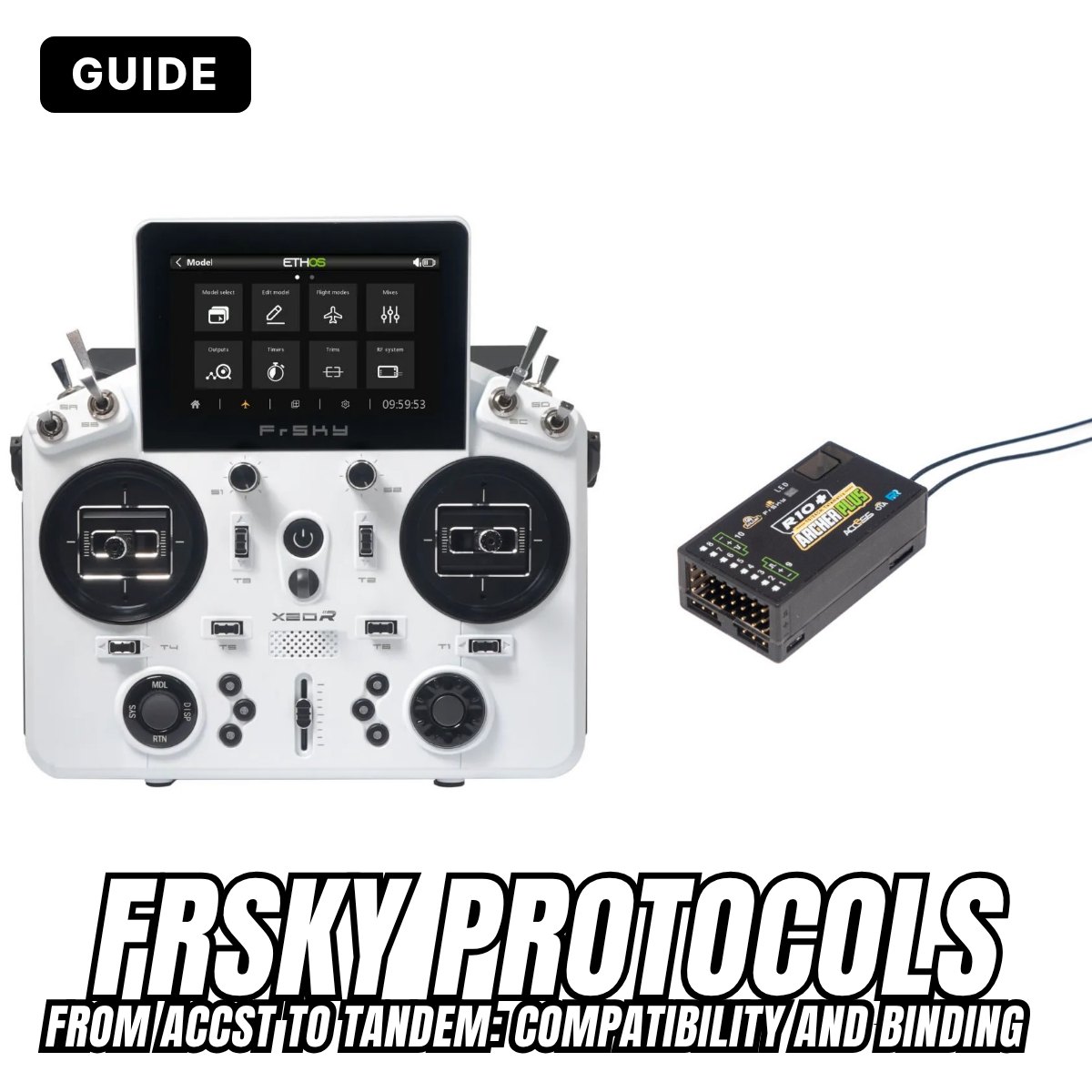
  8. FrSky protocols: V8, ACCST D8 and D16, ACCESS, R9, Tandem TD and Twin TW, compatibility and binding

    FrSky protocols: from ACCST to Tandem
    V8, ACCST D8 and D16, LBT or FCC, v1 or v2, ACCESS, R9, Tandem and Twin: in fifteen years FrSky has changed protocol several times and not all radios and receivers talk to each other. Here's which ones are compatible and how to bind them, protocol by protocol.
    Read more »
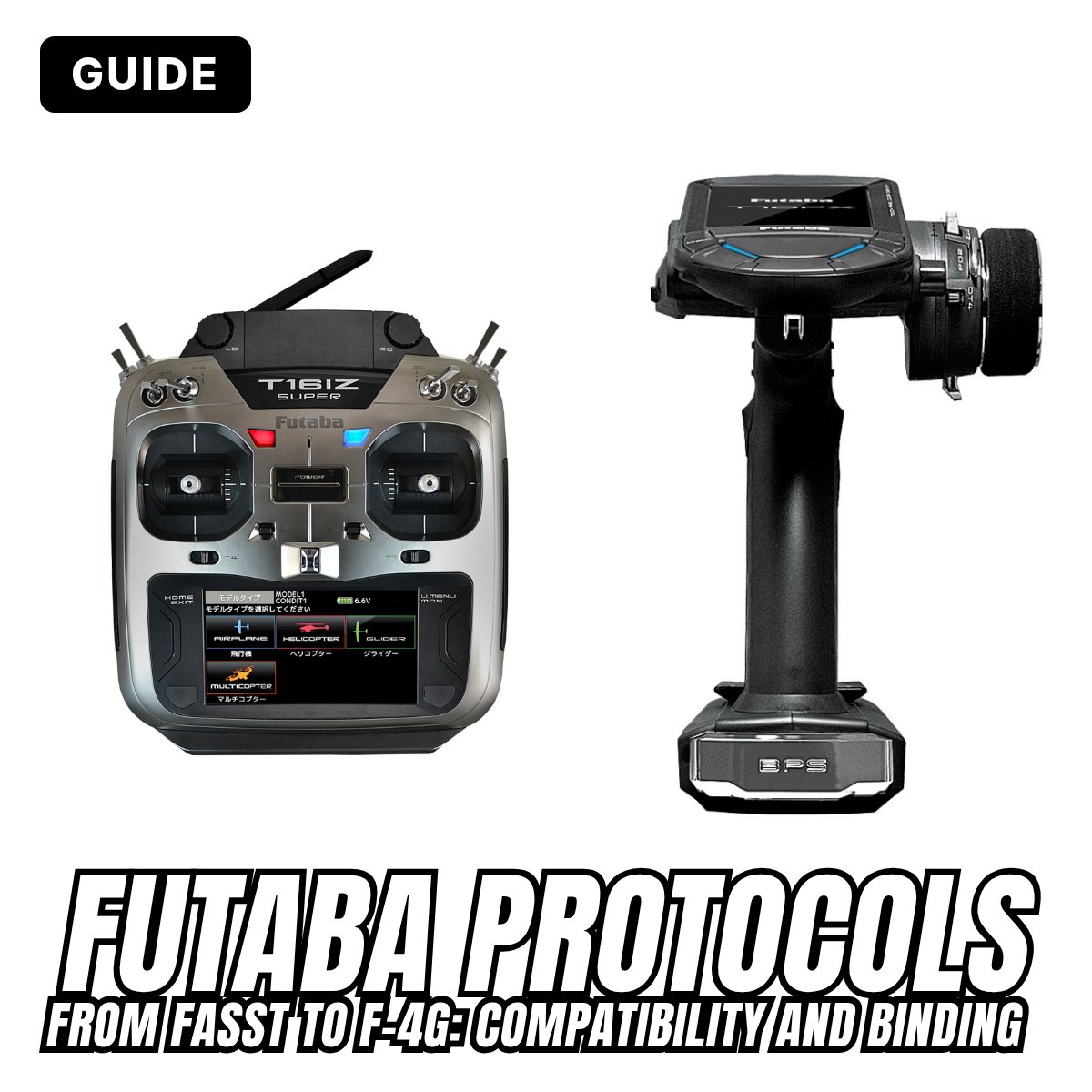
  9. Futaba 2.4 GHz protocols: FASST, S-FHSS, FASSTest, T-FHSS and F-4G, compatibility and binding

    Futaba protocols: from FASST to F-4G
    FASST, S-FHSS, FASSTest, T-FHSS, SR, F-4G: in almost twenty years of 2.4 GHz Futaba has created many protocols, for aircraft and for cars, that often can't talk to each other. Here's which radios and receivers are compatible and how to bind them, protocol by protocol.
    Read more »
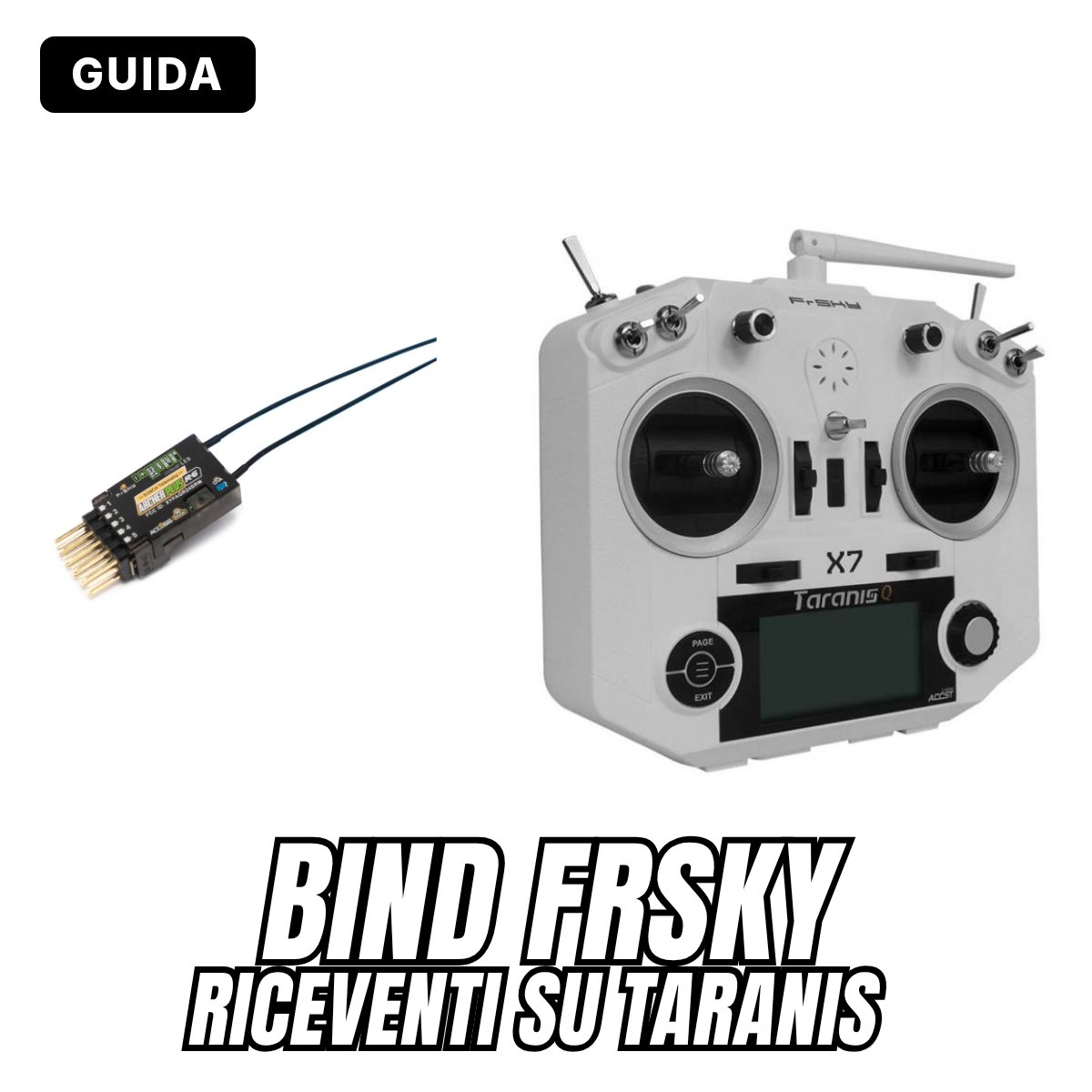
  10. BINDARE RICEVENTI FRSKY SU TARANIS

    BINDARE RICEVENTI FRSKY SU TARANIS

    La prima cosa che devi fare quando setti un drone o un aereo è far riconoscere il ricevitore al trasmettitore in modo da poterlo controllare. In questo tutorial, ti mostrerò come associare un ricevitore Frsky alla radio Taranis o Horus. Quando hai un nuovo ricevitore (RX), devi prima associarlo al trasmettitore (TX), in modo che possano "dialogare", questa operazione si fa solo una volta. Devi rifarlo di nuovo quando hai aggiornato il firmware sul modulo ricevitore o trasmettitore. 

    Read more »

Notify me when available

We will send you an email to confirm the request. We use your address only for this notification. Privacy policy

Loading...
Loading...